

 English
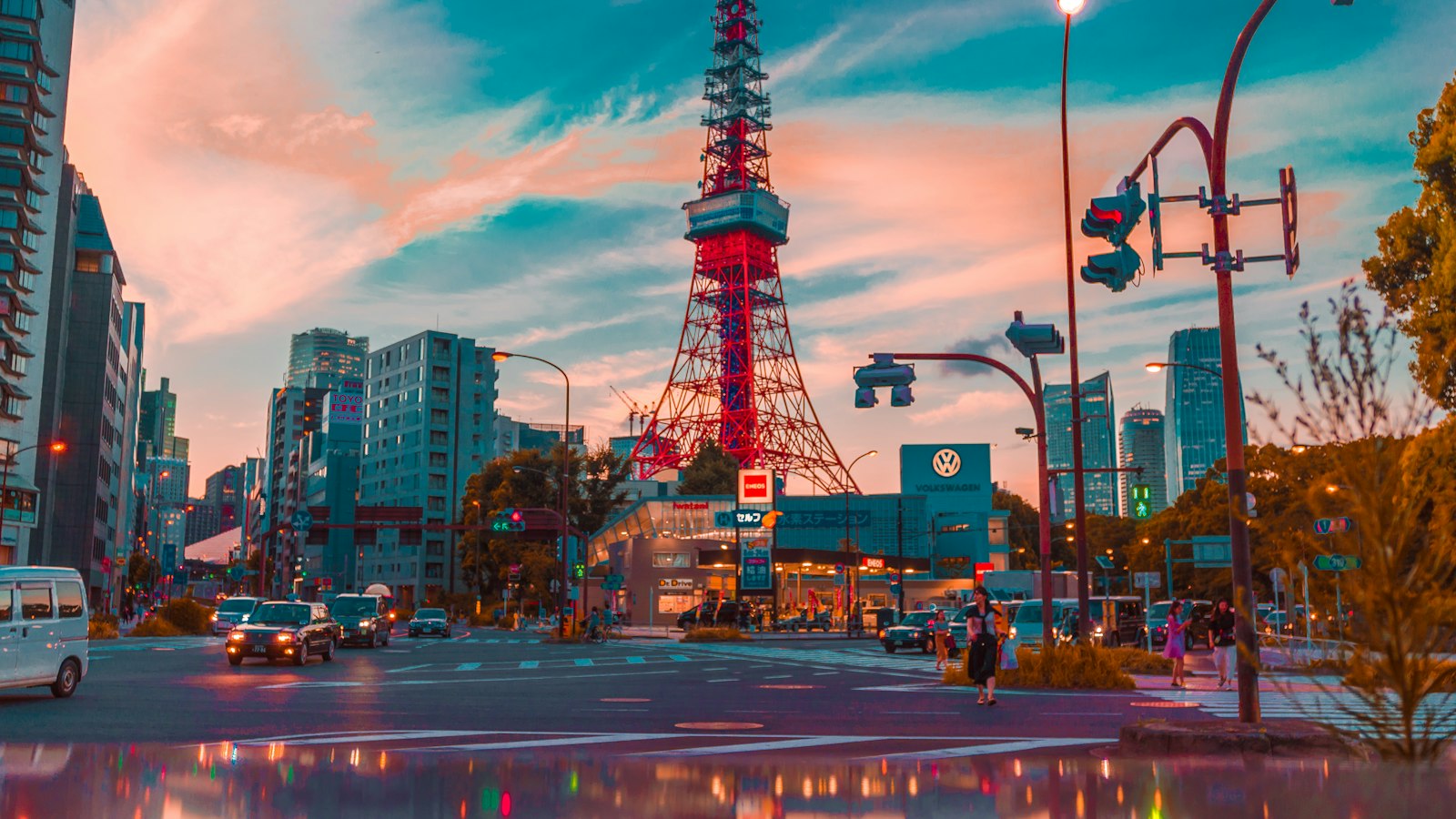
Introduction to Flux.1 and Midjourney v6.1
Flux.1 and Midjourney v6.1 are two of the most powerful AI image generation models in 2026. While Flux.1 excels at photorealistic and cinematic outputs, Midjourney v6.1 shines in artistic and stylized creations. In this guide, we'll explore how to write effective prompts, use advanced parameters, and get the best results from both models.
Understanding Prompt Structure
A well-structured prompt typically includes a subject, environment, lighting, style, and camera details. You can also use negative prompts to avoid unwanted elements.
Order matters: both models give more weight to the words near the start, so lead with the subject and keep style words together.
/imagine [Subject], [Environment], [Lighting], [Style], [Camera Angle], [Details]

A cyberpunk samurai girl, standing in a neon-lit Tokyo street, rainy night, cinematic lighting, ultra detailed, 8k, intricate details, realistic, depth of field

--ar 16:9  --v 6.1  --stylize 250  --quality 2
Advanced Prompt Techniques
Once the basics work, layer in references and weights. Midjourney reads image prompts and style references; Flux.1 responds best to plain, descriptive English with concrete nouns.
- Use –sref to reuse a visual style across a series.
- Add ::2 weights in Midjourney to push one idea harder.
- Describe the lens and film stock for photographic looks.
Real Prompt Examples
Copy the template below, replace the bracketed parts and iterate. Small edits to lighting and lens give the biggest jumps in realism.
Parameters and Settings
Midjourney offers –ar, –stylize, –chaos, –weird and –quality. Flux.1 is controlled mostly by guidance scale and step count. Start with defaults, change one value at a time and keep notes.
- Lower Flux guidance (2.5 to 3.5) for natural skin and light.
- Keep –stylize between 100 and 300 for balanced detail.
- Fix the seed while you tune wording.
Comparing Results
Run the same prompt on both models and compare side by side. Flux.1 usually wins on hands, text and realistic lighting; Midjourney wins on mood, colour harmony and painterly styles.
Tips for Better Results
Keep a library of prompts that worked, label them by subject and note the model version. When a model updates, re-test your favourites; a prompt that was perfect on v6 may need a tweak on v6.1.
Conclusion
Great images come from clear structure, a few well-chosen parameters and patient iteration. Start from the master template, change one thing at a time and you will see consistent, high-quality results from both models.


التعليقات والنقاش
انضم إلى النقاش. شارك أفكارك وأسئلتك ونتائجك مع المجتمع.
لا توجد تعليقات بعد. كن أول من يشارك رأيه.