
Midjourney
Create stunning images from text with state-of-the-art artistic models.
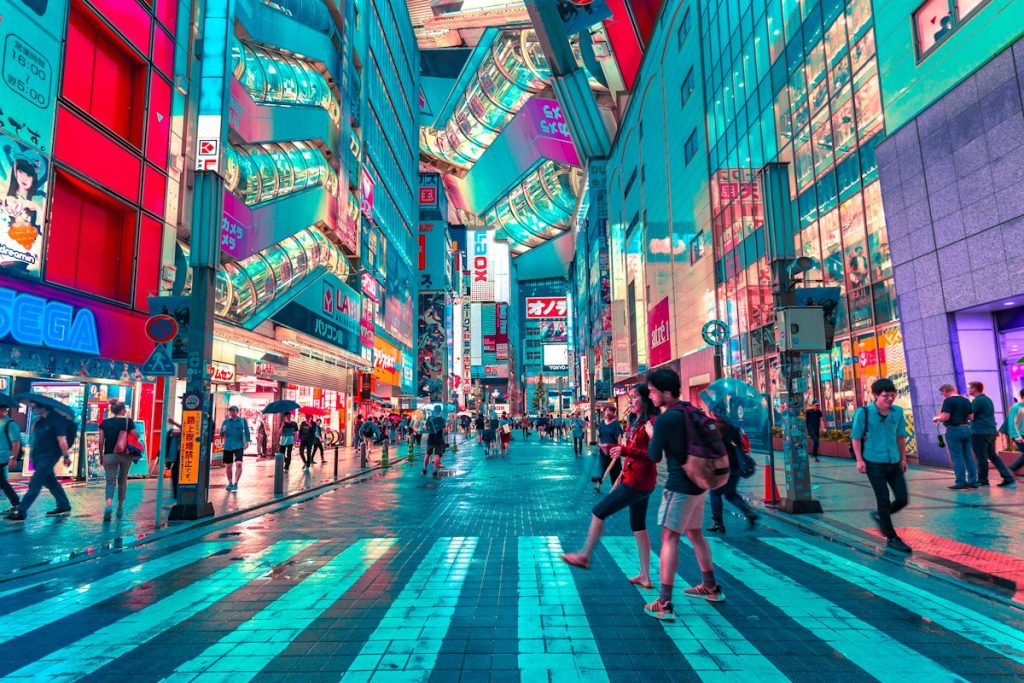
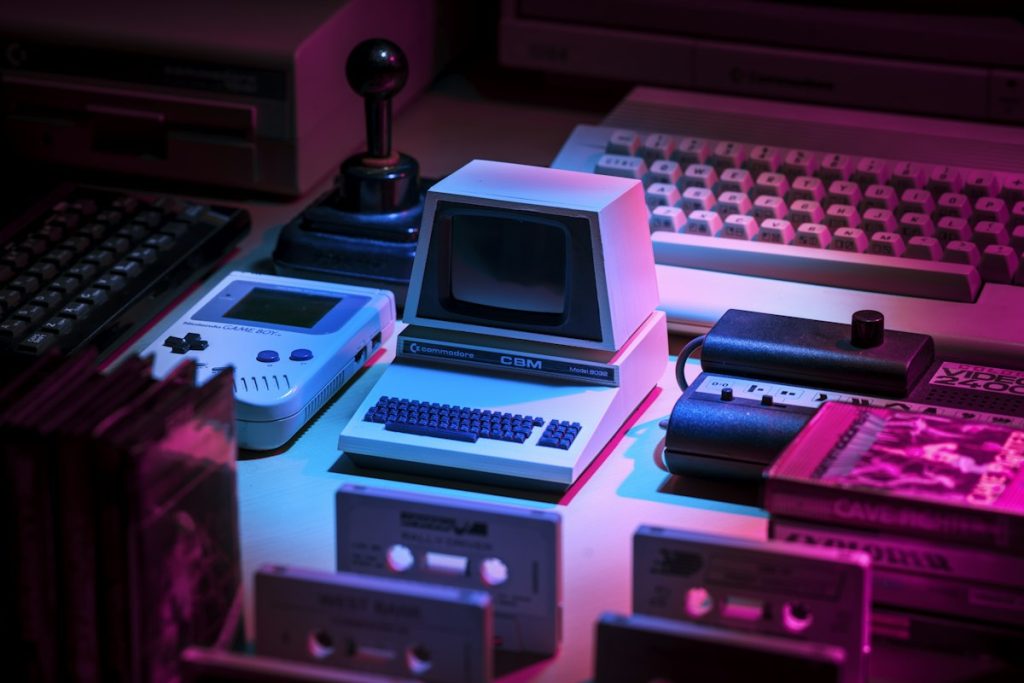
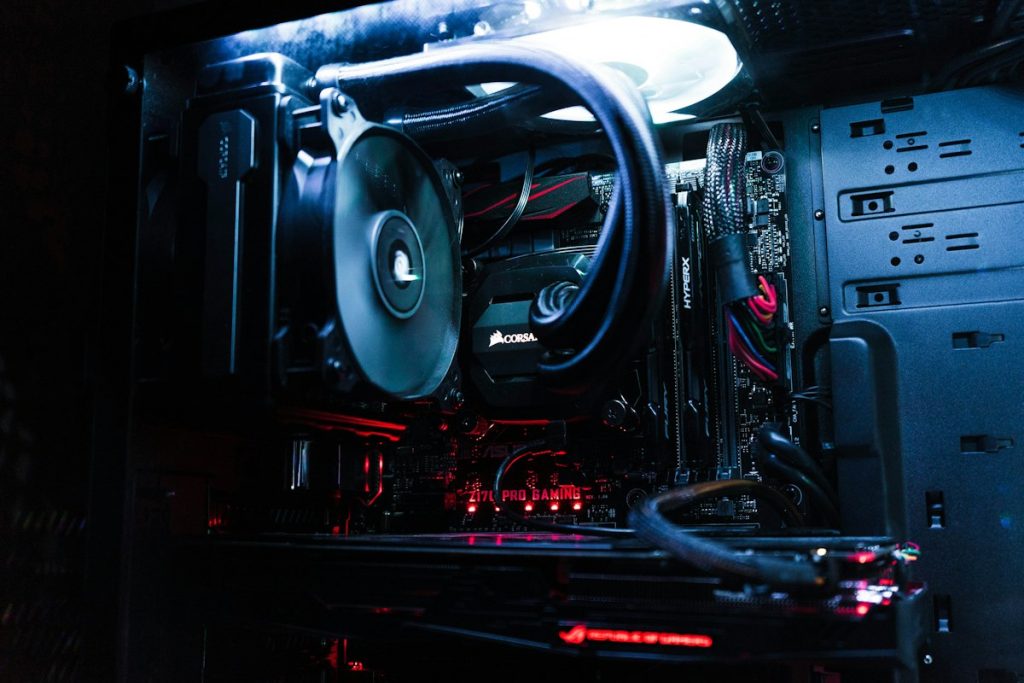
Midjourney turns short text prompts into richly detailed, highly stylised images. It is known for its painterly look, strong composition and an enormous community that shares prompts and style references.
Version 6.1 improved photorealism and text rendering, while style references and personalisation let you keep a consistent look across a whole project.
- Style reference and character reference
- Upscale, vary and remix tools
- Web editor with inpainting
- Personalisation profiles
- Active community feed
Pros
- Best-in-class artistic quality
- Consistent styles with --sref
- Fast iteration
Cons
- No free plan
- Prompt syntax takes practice
- Fine control is limited
Reviews
- 5★ 4
- 4★ 2
- 3★ 0
- 2★ 0
- 1★ 0
-
 Emma White
★★★★★
Emma White
★★★★★
Easily the best in its category. The free plan is enough to see why people rave about it.
-
 David Stone
★★★★☆
David Stone
★★★★☆
Great results once you learn how to prompt it. A few rough edges in the interface, but updates are frequent.
-
 Olivia Grant
★★★★★
Olivia Grant
★★★★★
Became part of my daily workflow within a week. Fast, reliable and the output needs very little cleanup.
-
 Mike Johnson
★★★★☆
Mike Johnson
★★★★☆
Impressive for the price. It does occasionally get things wrong, so I always double-check.
-
 Lina Chen
★★★★★
Lina Chen
★★★★★
Saved our team hours every week. Onboarding took ten minutes.
-
 Nana Reyes
★★★★★
Nana Reyes
★★★★★
A game changer for my freelance work. Clients notice the difference.
Alternatives

Leonardo.Ai
Production-ready image generation for games, products and brand assets.
DALL·E 3
Generate high-quality images from natural language, right inside the chat.
Related tools

Canva Magic Studio
AI design tools inside Canva: magic edit, resize, write and presentations.
Leonardo.Ai
Production-ready image generation for games, products and brand assets.
DALL·E 3
Generate high-quality images from natural language, right inside the chat.